

Table of Contents
- What Makes a Baby Monitor Trustworthy
- Video vs Audio Baby Monitor Pros and Cons
- How to Secure Your Baby Monitor from Hackers
- Essential Features That Reduce Sleep Anxiety
- Durability and Long-Term Value
- Smart Home Integration and Beyond Infancy
- How to Choose the Right Baby Monitor for Your Family
- Frequently Asked Questions
Last Updated: September 18, 2026
What Makes a Baby Monitor Trustworthy
A trustworthy baby monitor combines reliable technology with transparent security and real-world durability. Choosing a baby monitor review for peace of mind means evaluating far more than video quality or range, parents need assurance the device won't fail at a critical moment, their child's data stays private, and it works when needed most.
Trust rests on consistent performance, clear security standards, and honest limitations. Many parents discover too late that monitors perform poorly through walls or drop connection at night. A trustworthy baby monitor review acknowledges these practical challenges upfront.
Look for monitors with transparent specifications about range, battery life, and connectivity. The best deliver peace of mind through consistent, predictable performance.
Video vs Audio Baby Monitor Pros and Cons
When Video Monitoring Makes Sense
Video monitoring provides visual confirmation your baby is safe and sleeping soundly. A video monitor with high-definition imaging and night vision lets you check without entering the room, preserving sleep for everyone.
Video monitors excel with multiple children, climbing toddlers, or verifying safe sleep positions. Pan and tilt features let you adjust your view without getting out of bed.
Video monitoring introduces technical complexity. WiFi monitors require stable 2.4 GHz or 5 GHz connection; many homes have dead zones. Closed-system monitors avoid this but limit you to one viewing device and shorter range (30-100 metres). Choose WiFi if you travel frequently; closed-system if you're mostly home and want maximum reliability.
WiFi video monitors run 6-10 hours before charging; closed-system monitors achieve 12-16 hours. Battery longevity matters if you use the monitor during the day.
Video creates a larger data footprint, frames are stored locally or uploaded to cloud servers. Video monitoring requires more vigilance around encryption, password strength, and firmware updates than audio-only alternatives.
Video monitors can encourage compulsive checking, fragmenting parental sleep. Audio-only monitoring combined with scheduled visual checks often reduces anxiety by removing the temptation to monitor constantly.
When Audio-Only Works Well
Audio monitors suit parents needing lightweight, simple monitoring. They work reliably in smaller homes and let you alert only for genuine distress, not every whimper.
Audio monitors offer longer battery life (24+ hours standby), simpler setup, and lower cost. They reduce screen time and decision fatigue.
Audio-only monitors use closed radio frequencies (900 MHz or 2.4 GHz) that don't compete with WiFi or Bluetooth, making them less prone to interference. They require no internet connection, account setup, or security patches.
Audio-only monitors can't show what's happening or verify safe sleep positions. They work best combined with regular visual checks every 30-60 minutes.
Audio monitors also don't integrate with smart home systems or allow remote checking from outside the home. If you need to monitor your baby while at work or travelling, audio-only won't meet that need.
Hybrid Approach: When to Combine Both
Many parents use a hybrid strategy: audio monitor for everyday monitoring, combined with occasional video checks when travelling, during early postpartum weeks, or when baby is unwell.
This approach combines audio reliability with video reassurance when needed, while reducing security risk by limiting video monitor activity.
Choose based on your actual situation: small home with short distances = audio-only often suffices. Large home, multiple children, or frequent time away from your baby = video monitoring justifies the added complexity. Uncertain = start with audio and add video later if needed.
How to Secure Your Baby Monitor from Hackers
Baby monitors represent a direct entry point into your home network and child's private space. Securing your baby monitor from hackers is essential, unsecured monitors have been accessed by strangers, but this is preventable.
Immediate Setup Steps
Change the default password immediately before connecting to WiFi. Use a strong, unique password: at least 16 characters mixing uppercase, lowercase, numbers, and symbols. Avoid your WiFi password, child's name, birthdate, or social media information. Use a password manager like Bitwarden or 1Password.
Enable two-factor authentication (2FA) if available. This requires a second verification step when logging in from a new device, preventing access even if your password is compromised. Check your app settings under 'Security' or 'Account.'
Create a unique email address for your baby monitor account, separate from your primary email, to limit damage if compromised.
Encryption and Data Protection
Choose monitors with encrypted connections specifying end-to-end encryption or AES-256 standards. Ask manufacturers directly if unsure, reputable companies provide clear encryption documentation.
Local-only storage reduces exposure significantly. Some monitors let you view live feeds remotely while storing recordings locally on a microSD card, balancing remote access with privacy.
Understand what data your monitor collects beyond video. Many track temperature, humidity, sound, and movement patterns, sometimes sharing with third parties. Review the privacy policy before purchase and look for 'we do not sell your data' or 'end-to-end encryption' statements.
Network-Level Security
Your home WiFi network is the foundation. Change your router's default admin password immediately to prevent someone from accessing router settings and intercepting traffic.
Use WPA3 encryption for your WiFi network if supported; otherwise WPA2. Avoid WEP or open networks. Find this in your router's admin panel under 'Wireless Security' or 'WiFi Settings.'
Create a separate WiFi network for your baby monitor and smart home devices using your router's 'Guest Network' or 'IoT Network' option. This limits what an attacker can access if they breach the monitor.
Disable remote access if you don't need it. Some monitors offer a choice between local-only viewing (only when you're home on the same WiFi) and remote viewing (accessible from anywhere). If you're mostly home, local-only is more secure. You can always enable remote access later if your situation changes.
Ongoing Maintenance
Keep firmware updated by enabling automatic updates in your monitor's app settings. If unavailable, check manually monthly. Outdated firmware is a common entry point for hackers.
Review connected devices periodically in your monitor's app and remove any you no longer use, including old phones.
Change your password every 6-12 months, especially if you've shared access with family members or caregivers who no longer need it.
Understanding the Regulatory Context
In the UK, baby monitors fall under the Consumer Rights Act 2015, requiring products to be safe and fit for purpose. If marketed as 'secure' or 'encrypted,' manufacturers are legally responsible for delivering that security.
The General Data Protection Regulation (GDPR) requires manufacturers to disclose what data they collect, how they use it, and how long they keep it. You can request data deletion or file a complaint with the Information Commissioner's Office (ICO).
Red Flags to Avoid
Avoid monitors from unknown manufacturers with no privacy policy, those requiring you to share your WiFi password, those without security patch updates, or those storing footage on unencrypted cloud servers without explicit consent.
If you discover a security vulnerability in your monitor, report it to the manufacturer immediately. Responsible companies have a process for handling security reports and will issue patches quickly. If a manufacturer ignores security reports, consider switching to a different brand.
Essential Features That Reduce Sleep Anxiety
Real-Time Alerts and Responsiveness
Real-time alerts transform a monitor into an active safety tool. Sound-triggered alerts wake you when your baby cries; temperature alerts notify you immediately if your nursery becomes too hot or cold, critical for newborns.
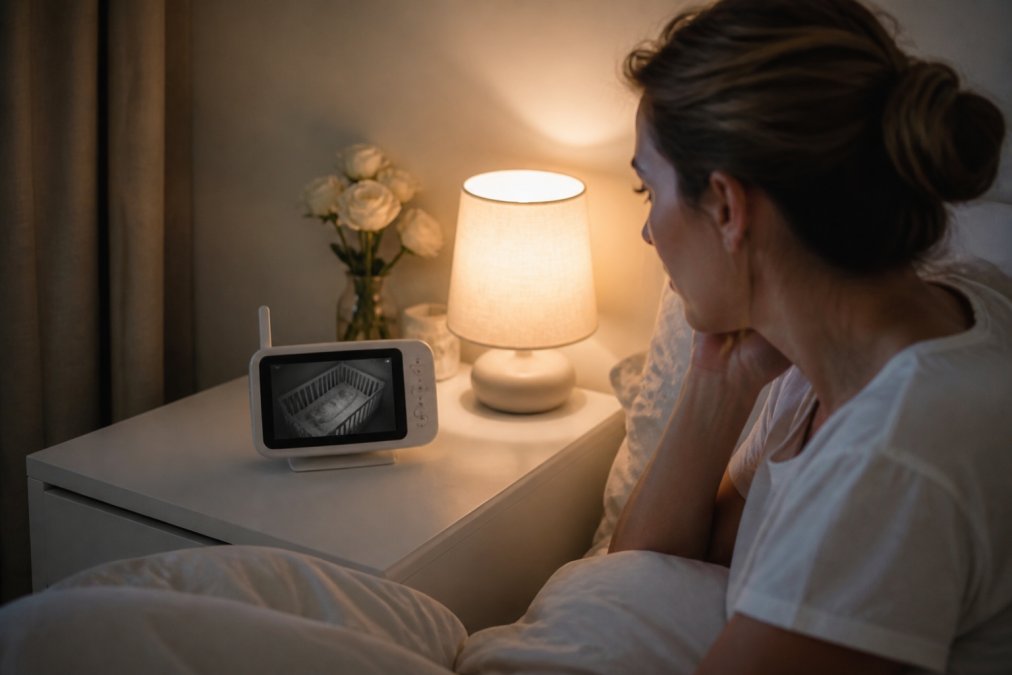
Motion detection alerts you to unusual stillness.
Temperature and Sleep Quality Monitoring
Temperature monitoring prevents overheating, a known SIDS risk factor (the NHS). Many models alert you when temperature drifts outside a safe range.
Durability and Long-Term Value
Durability determines real value. Look for solid construction, metal hinges, durable charging ports, and screens that withstand drops and bumps.
Smart Home Integration and Beyond Infancy
Modern monitors integrate with smart home systems, automating responses like dimming lights when your baby wakes or adjusting temperature automatically.
How to Choose the Right Baby Monitor for Your Family
Assess your actual needs: small flat or large house? Away frequently or mostly nearby? Multiple children to monitor?
| Feature | Audio-Only | Video with WiFi | Video with Local Storage |
|---|---|---|---|
| Setup Complexity | Simple | Moderate | Moderate |
| Battery Life | 12-24 hours | 6-10 hours | 8-12 hours |
| Security Risk | Low | Higher | Lower |
| Cost Range | Low | Moderate | Moderate-High |
| Best For | Small homes, simplicity-focused | Multi-room monitoring | Security-conscious parents |
Frequently Asked Questions
What features should I look for in a baby monitor for peace of mind?
Prioritise encrypted connection, night vision with infrared capability, two-way audio for communication, real-time alerts for sound and movement, and a reliable range that covers your home. Look for models offering high-definition video, low latency for responsive viewing, and temperature monitoring. User-friendly interface matters, you'll use this daily, sometimes in the dark. Check that the parent unit has adequate battery capacity and the mobile application is intuitive. Lab-tested models with strong data privacy protection provide additional reassurance.
Are Wi-Fi baby monitors safe from hacking?
Wi-Fi monitors carry more risk than closed-system alternatives, but encrypted connection and regular firmware updates significantly reduce vulnerability. Choose models with strong password protection, two-factor authentication, and end-to-end encryption. Avoid monitors with default passwords and check manufacturer security policies. Consider DECT-based monitors as a lower-risk alternative, they use a closed, private frequency rather than your home Wi-Fi. Always change default credentials immediately and keep the app updated. Read security reviews before purchasing, and verify the manufacturer has a clear process for addressing vulnerabilities.
Do I need a video baby monitor or is audio sufficient?
Audio-only monitors work well if you're in the same home, want simpler setup, and prefer lower cost. Video becomes valuable when you need visual confirmation of your baby's position (important for safety), want to monitor sleep quality patterns, or need to check on older siblings. Video with night vision provides reassurance during dark hours. Consider your home layout, if your baby's room is far away or you can't hear clearly through doors, video adds practical value. Many parents find the combination of audio for immediate alerting and video for visual confirmation offers the best peace of mind.
What happens to a baby monitor after infancy, can I repurpose it?
Many modern monitors transition well beyond infancy. Video monitors work as room cameras for toddlers and older children, helping you monitor safety during nap time or bedtime. Some integrate with smart home systems, functioning as security cameras or room sensors. Pan-and-tilt models can monitor play areas. Audio units become useful for hearing a child call out or monitoring a sick child. Before buying, check whether the monitor has expandable features, cloud storage options, or compatibility with smart home ecosystems. This extends value significantly and justifies investment in a quality model.


